 Timeline Visualizer
Is Timeline Visualizer safe? How your location data is handled
Your Timeline export and photos are read in your browser and are not uploaded for processing. Here is what the site sends over the network, what is stored on your device, and what to review before sharing a video.
Your file is read on your device
When you select a Timeline export or photos, the file is opened and parsed in the page, in your browser. Extracting dates, filtering points, placing photo locations on a map and rendering the video all run on your device. None of those steps upload the file to this site for processing.
Imported data lives only in the working session, so reloading or closing the tab clears it. The original export on your device is not modified, and no copy of your Timeline file, photos, audio or generated videos is kept on a server here.
The map tiles are the one exception
Map imagery cannot be generated inside a browser, so it is fetched. Every map request starts only after you accept the map consent notice in the tool you are using.
After consent, the page requests tiles for the areas currently in view. The video tool uses OpenFreeMap by default, or CARTO when a CARTO key is configured. Timeline Viewer and Photo Map request tiles from CARTO and include a configured key when one is available.
The provider receives tile coordinates for the requested areas and ordinary network information, including your IP address, so the areas being viewed may be inferred. Map requests never include your Timeline file, photos or audio. Map attribution is shown in the app and in exports.
What is stored, and where
On your device, the browser stores only a few small records, such as your language, distance unit, theme and privacy-radius preferences. There is no account. A service worker may also cache static code and map data assets.
That cache does not keep your Timeline file, source photos, source audio or generated videos, and there is no server-side copy of any of them. Clearing this site’s data in your browser removes the local records.
The analytics, in plain words
Google Analytics loads automatically to count page views. The site sends the site origin and the page path with query strings, fragments and referrer removed. File names, individual locations and media content are not included in analytics events.
Google may set analytics cookies and receive ordinary network information such as your IP address and browser details. Advertising storage, Google Signals and ad personalization are disabled, and the site runs no advertising: no ad network is loaded.
The hosting provider receives ordinary requests for static files and may keep access logs.
Before you share a video
A finished video can still show where it starts and ends, especially when the same place appears at the beginning and the end of many trips. That place is usually home or work.
The free privacy zone moves up to two repeatedly recorded areas before the map loads, by a radius you choose: 1, 3 or 10 km, 3 km by default. A larger radius hides a wider area but changes the visible route more, so check the preview before sharing. It is a visual precaution, not anonymity: the moved points stay near your region, and a small town, nearby roads or details such as a title or thumbnail can still reveal the location.
Play the preview from start to end, including repeated stops, before you post. If something still looks too personal, exclude those dates. The full walkthrough is at /blog/hide-home-location-travel-video/.
Other Timeline tools, and how this one differs
There are several ways to turn a Timeline export into something watchable. The original MIT-licensed google-timeline-visualizer project offers an Android app, a Python command-line tool and its own web app. Independent web viewers open an export on a map, and self-hosted apps run on a server you control.
This site belongs to the browser-local group: the file is parsed on your device, there is no account, and no server-side copy of your history is made. If you want a native Android app, the original project is the better fit. If you want photo input, the extra browser tools and more options, this site is the one. Both read the same export, so comparing them costs nothing.
This site is independently operated and is not affiliated with Google or the original author.
Check it yourself
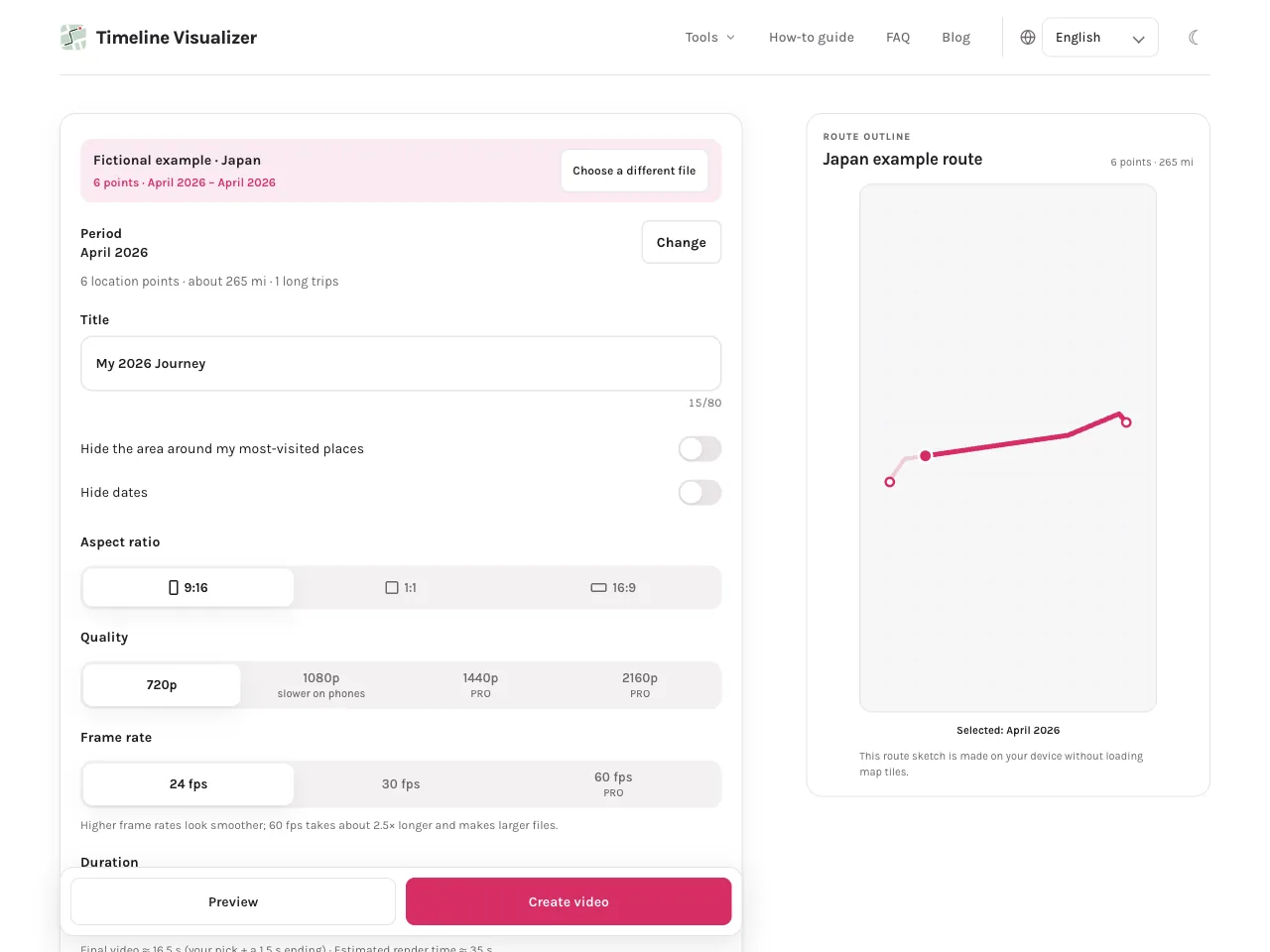
- Start with the built-in Japan sample instead of your own file. It shows which network requests a normal session makes without exposing any personal history.
- Open your browser developer tools (F12, or right-click and choose Inspect), switch to the Network panel and load a map. You will see tile requests go to the map provider: OpenFreeMap by default, or CARTO when a key is configured. The request list does not contain your Timeline file.
- Read the privacy page at /privacy/. It lists every request the site makes, what the service worker cache and local storage keep, the page-view count with query strings removed, and the no-advertising policy.
- Keep the original export private. Work on a copy if you like, and review the video preview for home, work or repeated stops before sharing.
Questions
Is Timeline Visualizer safe?
For your files, yes: the export and photos are read in your browser, are not uploaded for processing, and leave no server-side copy. Two limits are worth knowing. Map tiles are requested from a map provider after you accept the notice, and a shared video is public, so it can still reveal places such as home or work.
Where can I read the Timeline Visualizer privacy details?
The privacy page at /privacy/ lists every request the site makes, what is stored in your browser and for how long, and what the analytics count. Short version: files stay on your device, the site stores only small preferences such as language and theme, page views are counted without query strings, and there is no advertising.
Are there other tools like Timeline Visualizer?
Yes. The original MIT-licensed google-timeline-visualizer project ships an Android app, a Python command-line tool and its own web app. Independent web viewers open an export on a map, and self-hosted apps run on a server you own. This site is the browser-local option: no account, and no server-side copy of your history. All of them read the same export.
Does the site run ads or track what I view?
No advertising, and no ad network is loaded. Google Analytics counts page views with query strings, fragments and referrer removed, and advertising storage, Google Signals and ad personalization are disabled. Google may set analytics cookies and receive ordinary network data such as your IP address.
Try it in your browser
Timeline JSON, selected photos and optional audio are read on your device to create your video. This site does not receive those file contents.